
REAL-TIME VISUAL STYLING
Restyle your games,
apps and entire screen.
StyleLens lets you transform the final image of applications in real time. Apply ready-made looks, build your own styles visually with the Effect Graph, or write custom HLSL when you need full control.
APPLY
Use styles instantly on a target application or the entire display.
BUILD
Create your own looks visually with the Effect Graph.
CODE & SHARE
Write custom HLSL and share safe graph-based styles through Workshop.
WHY STYLELENS
A simple way to make familiar content feel new.
StyleLens focuses on the final image. That means you can experiment with very different visual directions without changing the underlying application. Use it when you want a subtle mood shift, a bold stylized presentation or a fully custom look built around your own taste.
01
Wide range of styles
Explore dramatically different looks, from subtle grading to striking stylization.
02
Accessible and advanced
Start with existing styles, build visually, or go deeper with direct HLSL editing.
03
Community-driven
Share graph-based creations through the Steam Workshop and discover styles built by others.
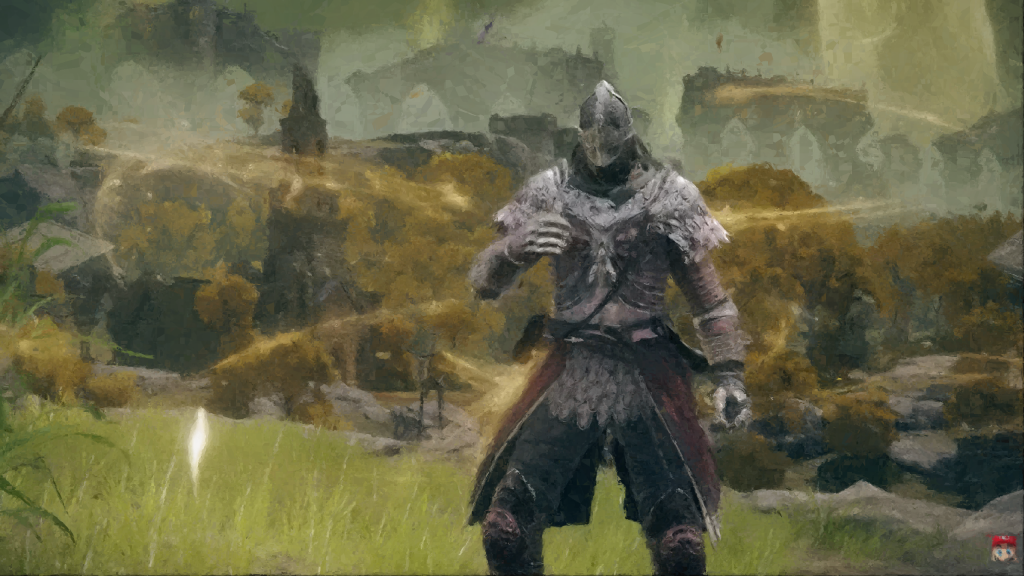
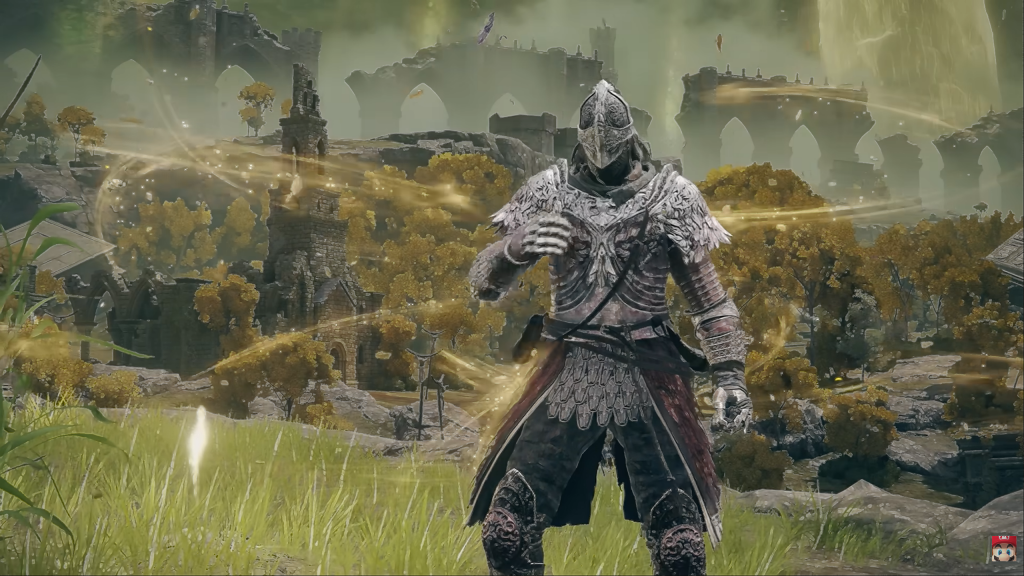
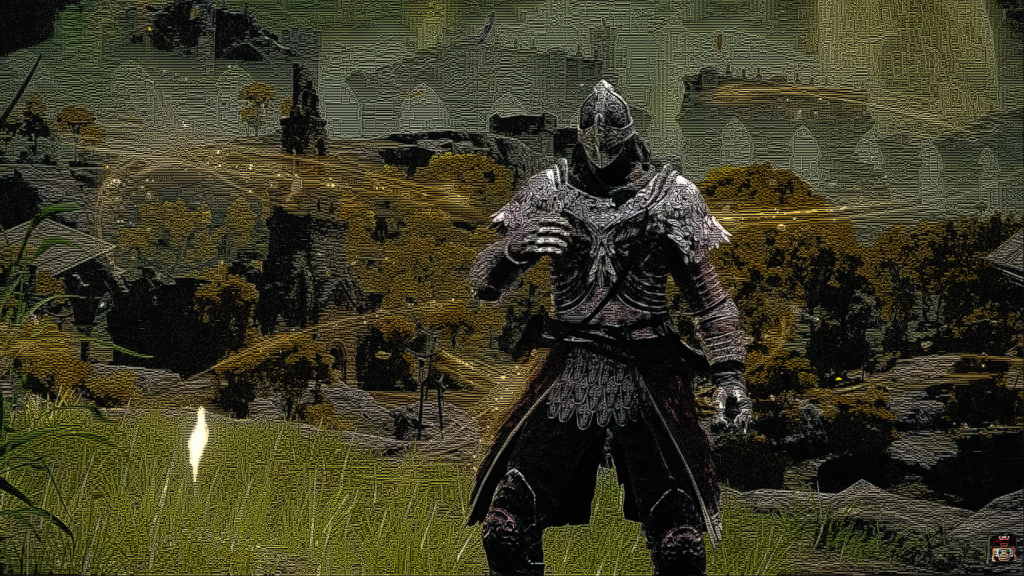
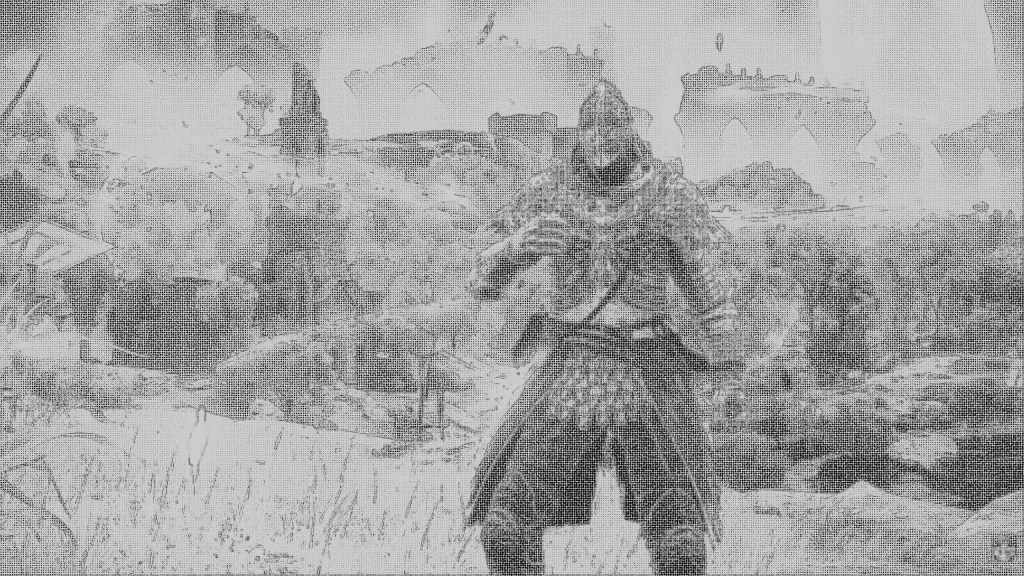
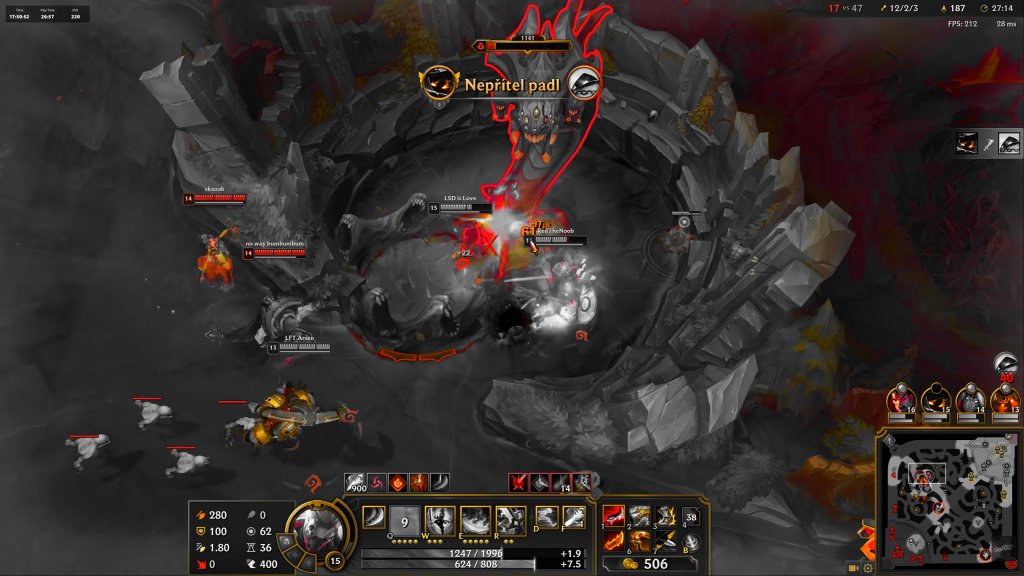
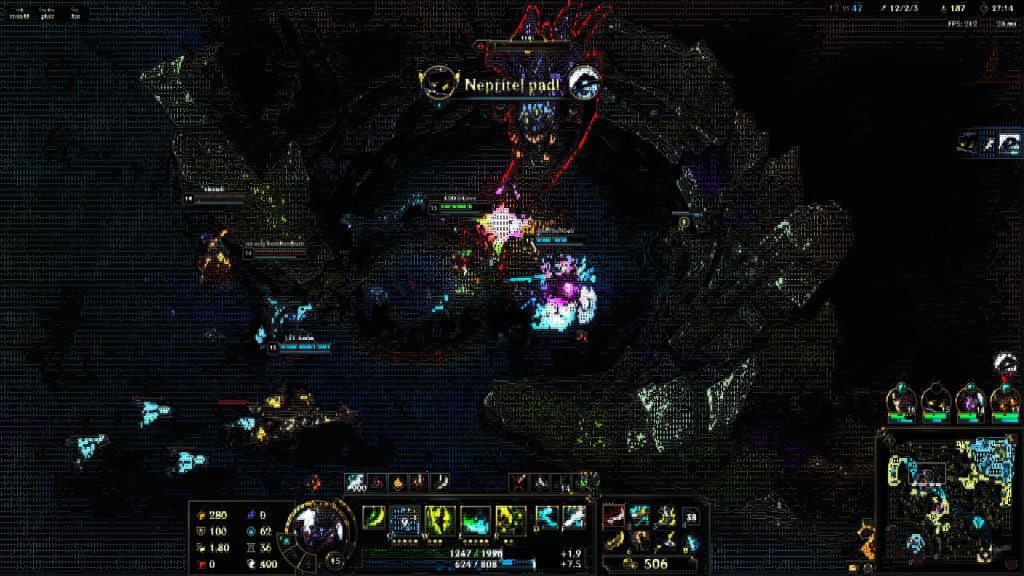
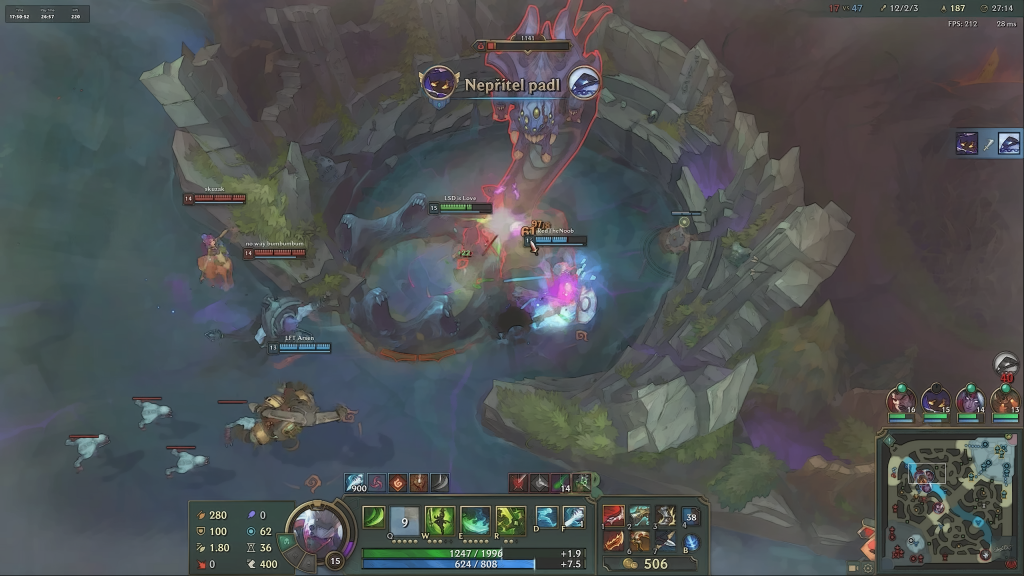
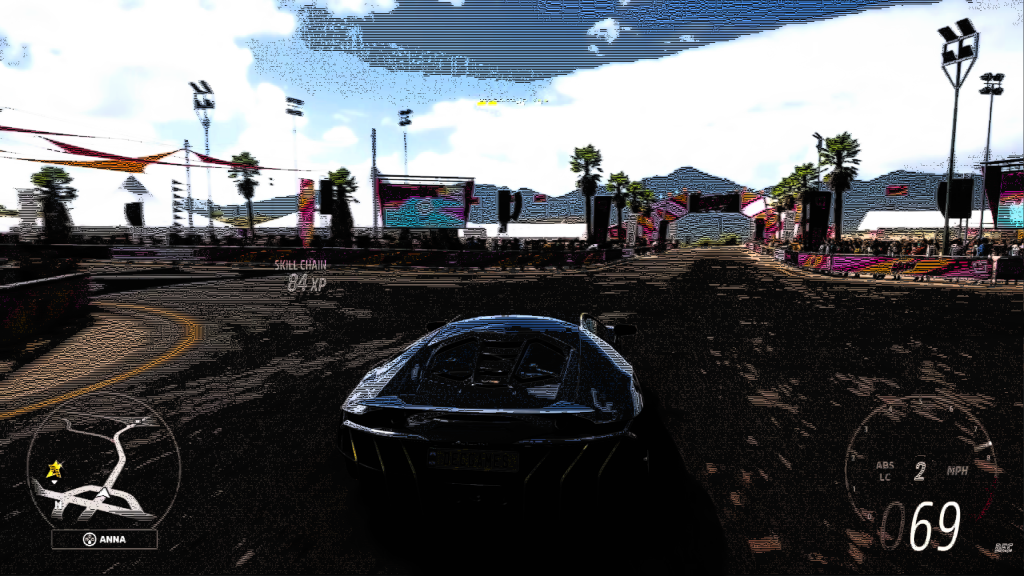
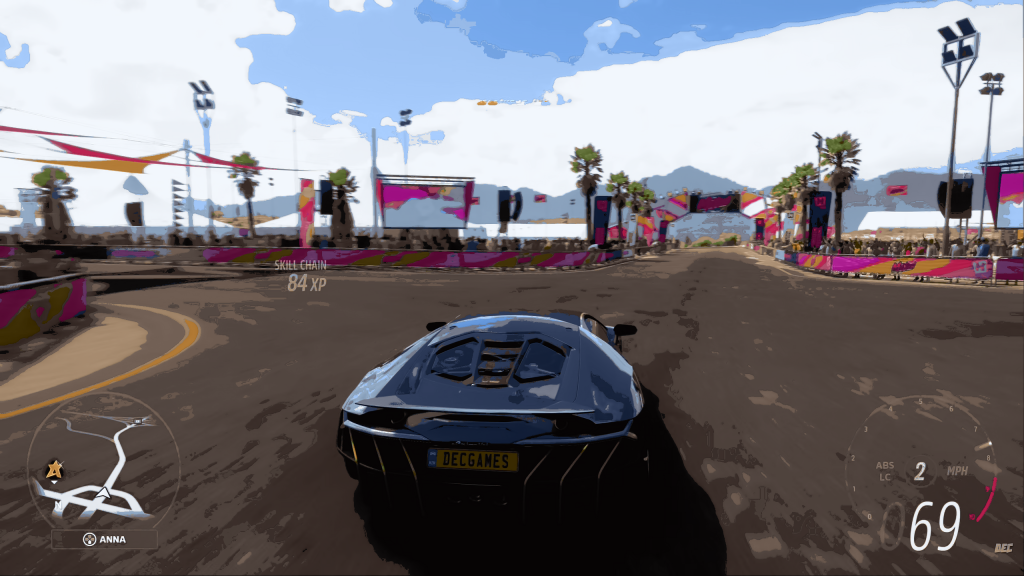
One world. Completely different atmospheres.
See how strongly a familiar scene can change when a different style is applied.



EFFECT GRAPH
Build your own style visually.
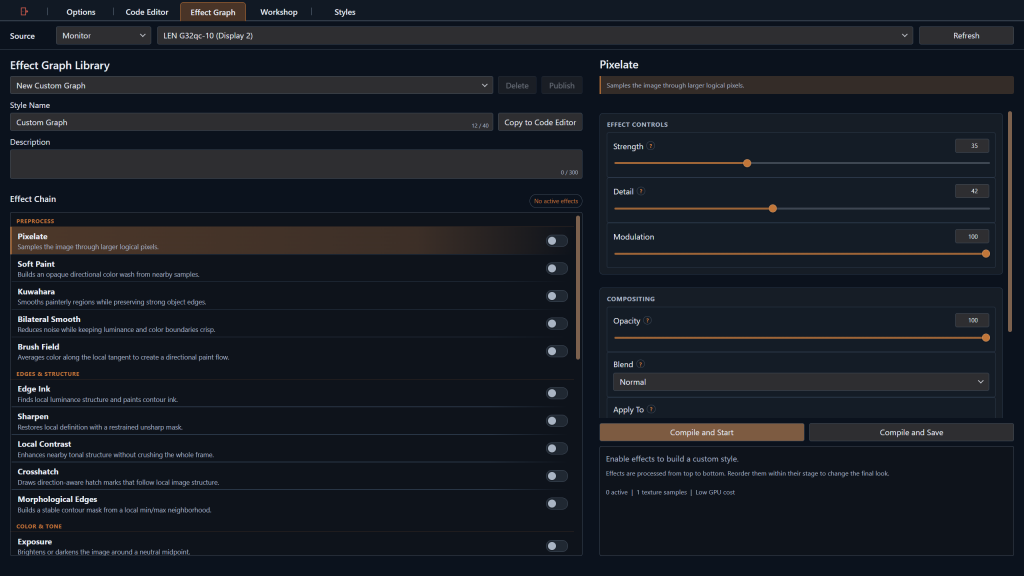
The Effect Graph is the easiest way to move from idea to custom result. Combine predefined effects, tweak parameters and build reusable graph-based shaders without writing HLSL yourself.
- Visual node-based workflow
- Reusable custom styles
- No direct code required
- Steam Workshop-compatible graph creations
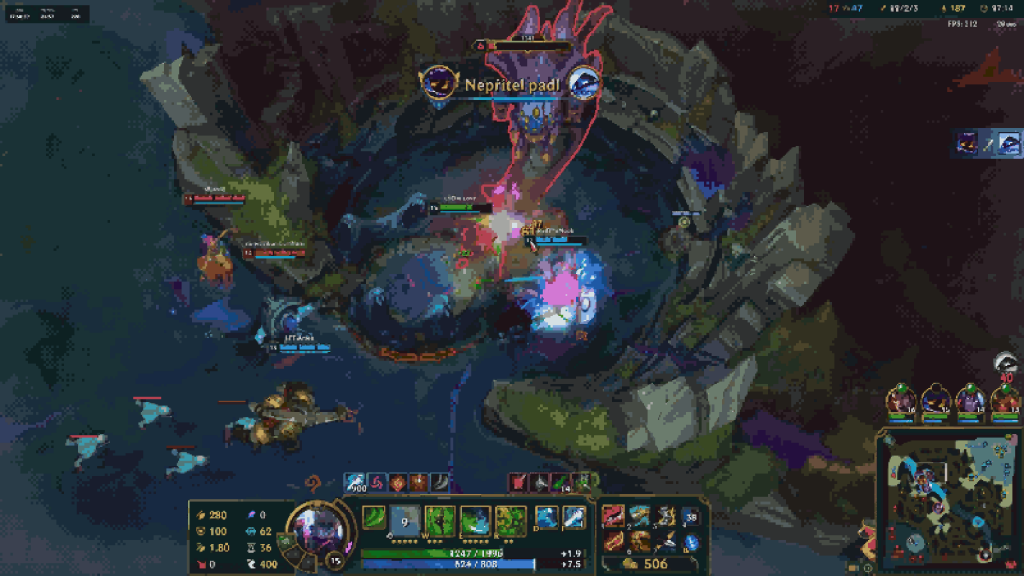
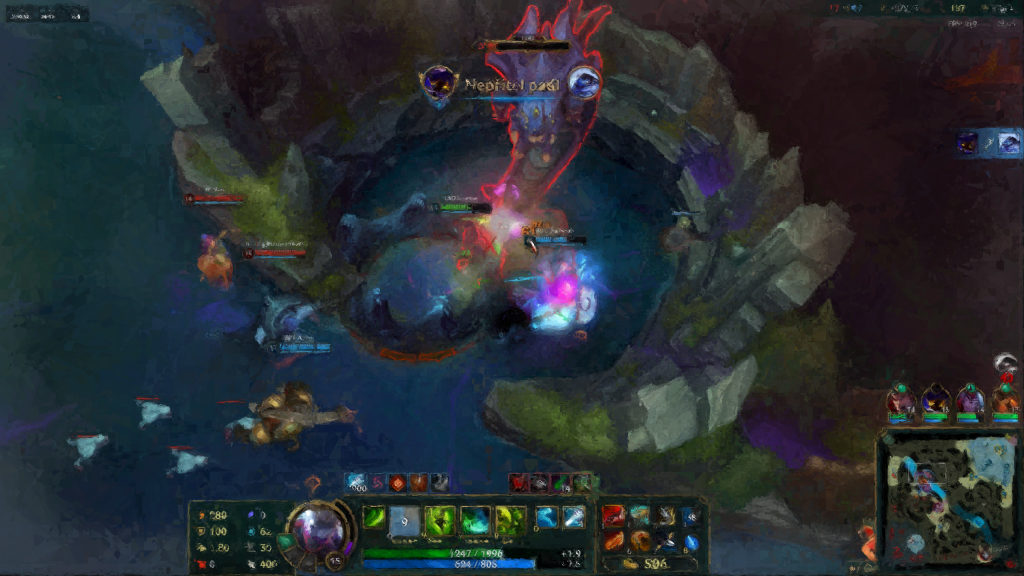
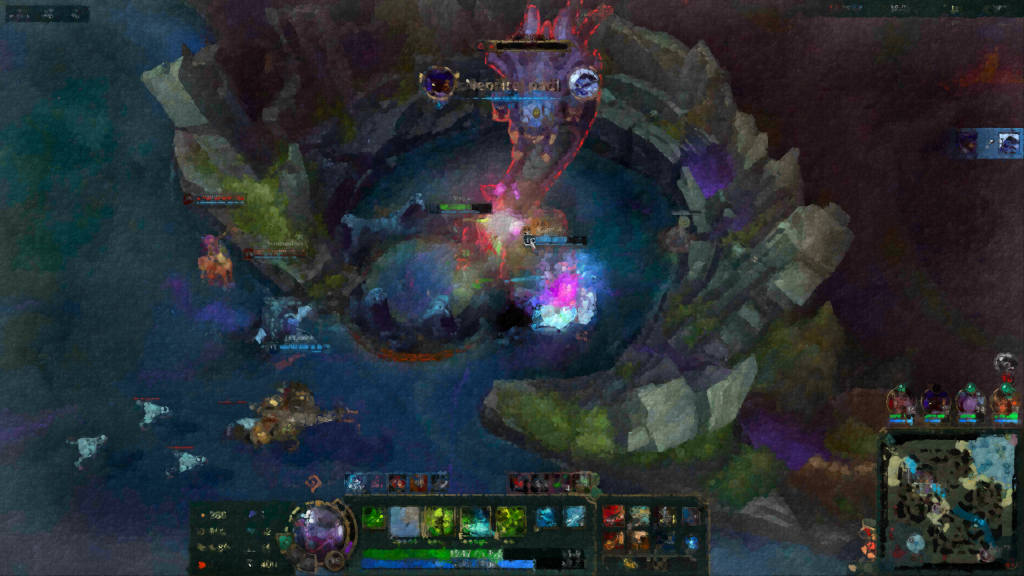
From subtle adjustments to a new identity.
StyleLens is flexible enough for many genres, moods and visual directions.
CustomStyle.hlsl
01  float4 StyleLensMain(float2 uv)
02  {
03      float4 color = SampleSource(uv);
04
05      // Create your own visual effect
06      color.rgb = ApplyStyle(color.rgb);
07
08      return color;
09  }
HLSL CODE EDITOR
Go further with direct shader code.
For advanced users, StyleLens includes its own HLSL code editor. Write custom shaders directly and apply them through the same StyleLens workflow.
Workshop sharing is intentionally limited to graph-based creations, keeping community content in a more controlled and safer format.
STEAM WORKSHOP
Discover and share graph-based styles.
The Workshop makes StyleLens more than a standalone tool. Browse community creations, download new styles and publish your own graph-based looks for other users.
Browse
Find new styles and experiment with ideas created by the community.
Download
Expand your collection without having to build every style from scratch.
Share
Publish your own Effect Graph creations and contribute to the ecosystem.
Workshop uploads are limited to Effect Graph creations. Direct HLSL remains local, which helps keep shared content more controlled and easier to validate.
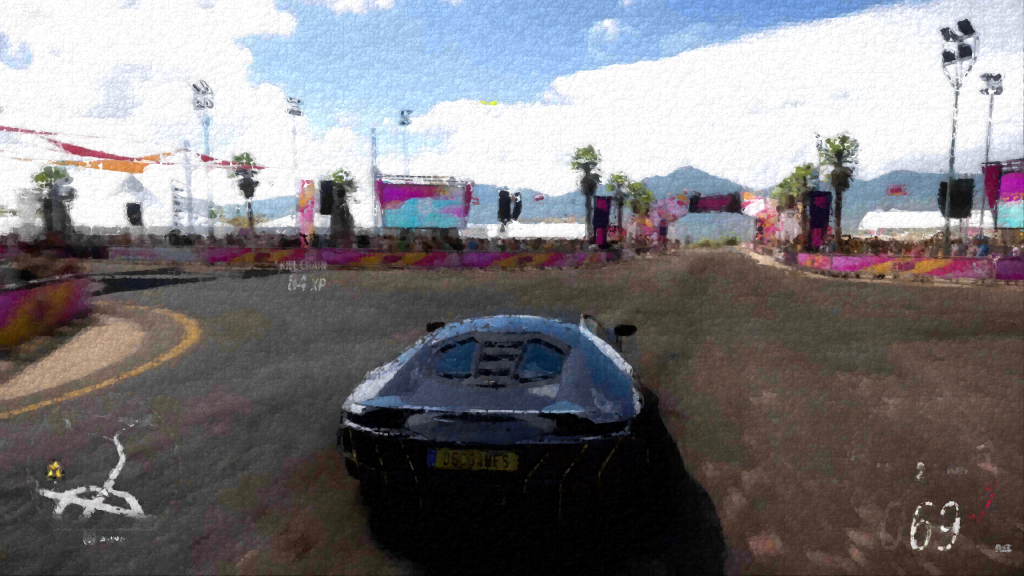
One tool. Very different visual directions.
Cinematic, colorful, stylized, dramatic or experimental — build the look you want to see.



HOW YOU CAN USE IT
Start simple, then go deeper.
APPLY
Use existing styles
Pick a style and use it immediately. This is the fastest way to change the feel of what you are seeing.
BUILD
Create with the Effect Graph
Combine predefined effects visually and turn your ideas into a reusable graph-based shader.
CODE
Write custom HLSL
Use the integrated editor when you want fine-grained control and a fully custom shader implementation.
FAQ
Frequently asked questions
Do I need to know HLSL to use StyleLens?
No. You can start with existing styles or create your own visually with the Effect Graph. The HLSL editor is there if you want deeper control.
Can StyleLens affect only one application?
Yes. StyleLens can target individual applications, and it can also be used across the entire display.
What can be uploaded to the Steam Workshop?
Workshop sharing is intended for graph-based creations built with the Effect Graph.
Why can’t freely written HLSL be uploaded to the Workshop?
Direct shader code provides far more freedom and is harder to keep within predictable boundaries. Keeping Workshop uploads limited to graph-based content makes community sharing more controlled and easier to validate.
Is StyleLens limited to games?
No. While games are a strong showcase for visual styles, StyleLens is designed around styling applications in general.
STYLELENS
See your screen differently.
Apply existing styles, build your own effects visually or take full control with HLSL. Add StyleLens to your Steam wishlist and follow its release.
Replace the two Steam button links with your real Steam store URL. All game names, trademarks and imagery shown on this page are the property of their respective owners. StyleLens and PumpkinSoftware are not affiliated with or endorsed by the respective developers or publishers.